Nocturne: an open-source Cyberpunk 2077 design system
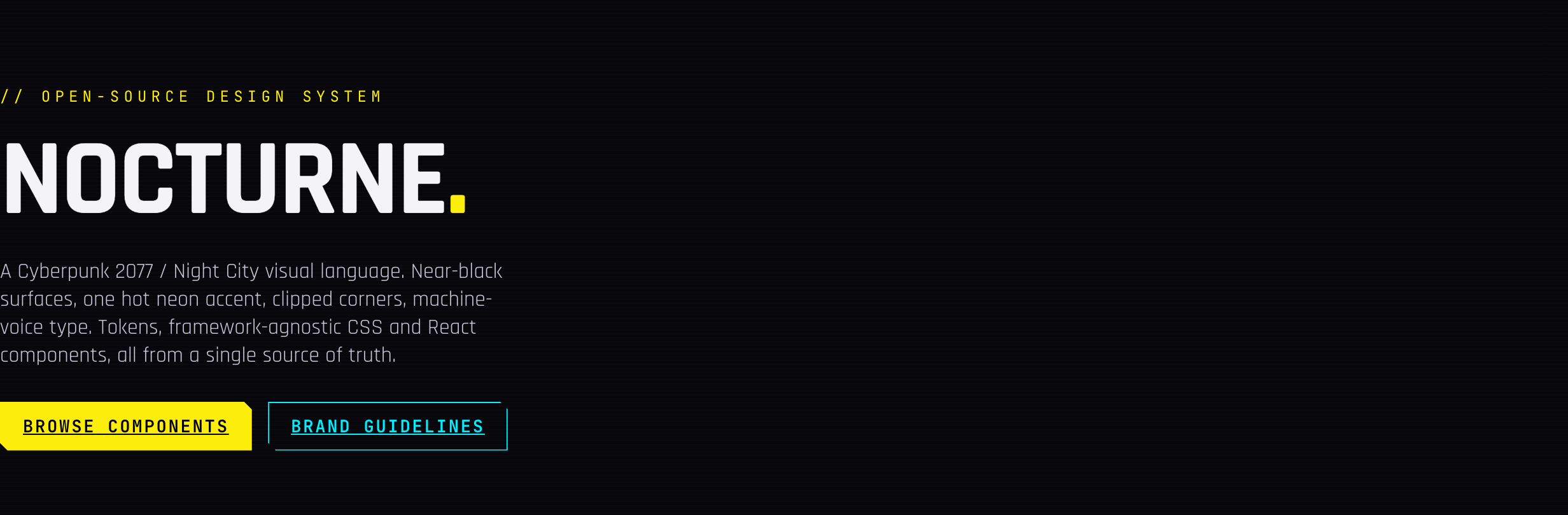
Nocturne is an open-source design system inspired by Cyberpunk 2077 and Edgerunners: near-black surfaces, one hot neon accent, clipped corners, and machine-voice type, shipped as design tokens, framework-agnostic CSS, and React components.
Night City has a look, and now it has a design system. Nocturne is an open-source visual language inspired by Cyberpunk 2077 and Edgerunners: near-black surfaces, one hot neon accent, sharp clipped corners, and terminal-voice typography. It ships as design tokens, framework-agnostic CSS, and React components, so you can take exactly the layer you need. The live styleguide is up if you want to see it before reading a line of this.
Why a design system for this?
Cyberpunk interfaces are everywhere in games and film, but almost nobody ships that look as a reusable, accessible, production-grade component library. Most attempts stop at a color palette and a glow filter. Nocturne treats it as an actual design system problem: one source of truth for color, type, spacing, radii, shadows, and motion, with every component built twice, once as plain CSS classes and once as a typed React wrapper over the same classes. Same visual language, either layer.
Three layers, take what you need
Nocturne is deliberately split into three packages so adopting it doesn’t mean adopting a framework:
| Package | What it is | Depends on |
|---|---|---|
nocturne-tokens | Colors, type, spacing, radii, shadows, motion. CSS vars, SCSS, JSON, and typed JS. | nothing |
nocturne-css | Framework-agnostic, class-based components. Plain HTML, zero build step. | tokens |
nocturne-react | Thin, typed React wrappers over the CSS classes. | css + react |
Use just the tokens to theme something you already have, drop the CSS into any stack (Vue, Svelte, Astro, plain HTML), or pull in the React components. Nothing forces a rewrite to get the look.
What’s actually in the box
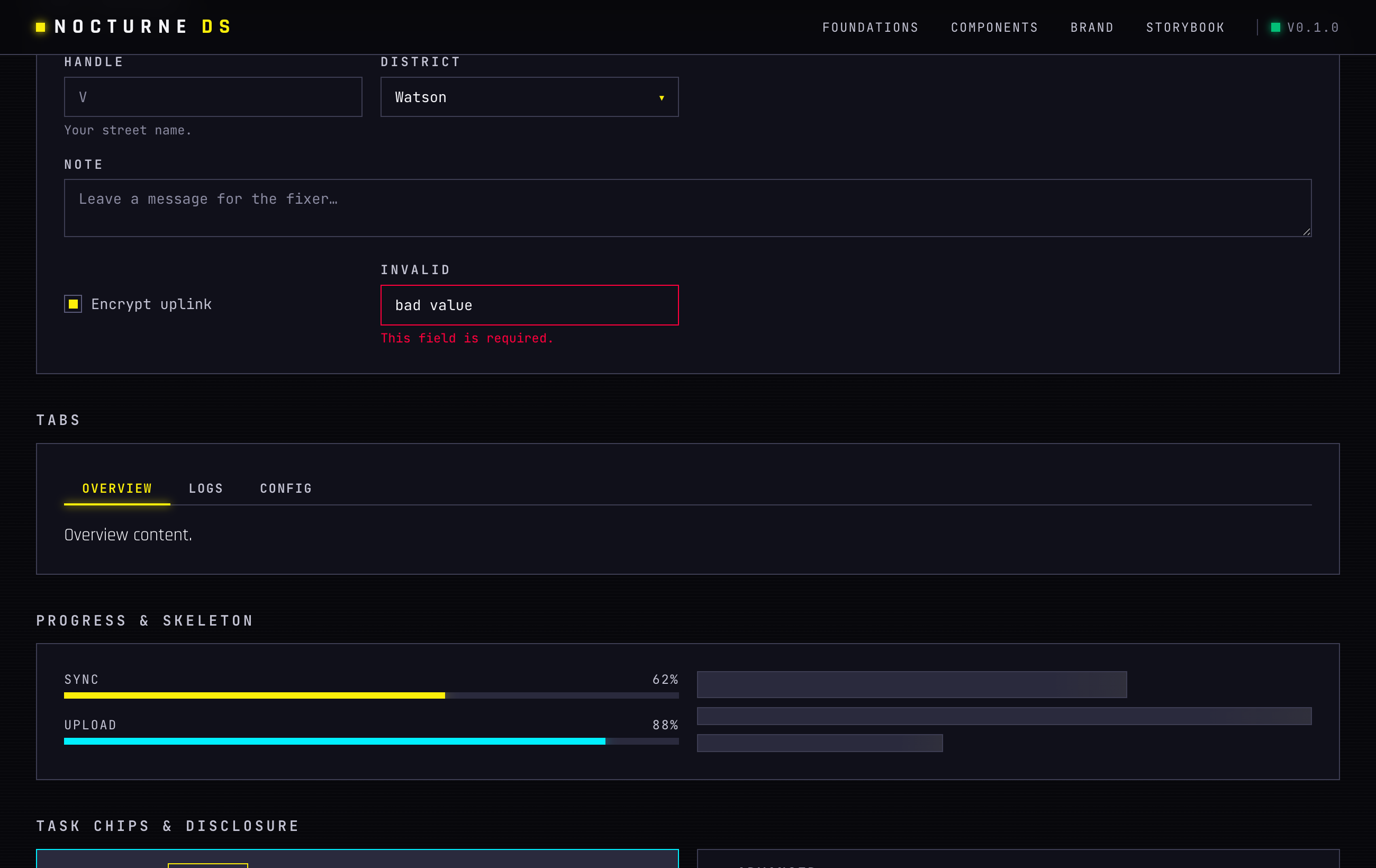
The component count is the part that surprised me most for a fresh open-source library: Button, Badge, Card, Panel, Alert, Input, Textarea, Select, Checkbox, Radio, Switch, Slider, Combobox, Field/Label, Tabs, Progress, StatTile, Divider, Disclosure, TaskChip, SectionHeader, TopBar, Skeleton, Dot, Modal, Drawer, Toast, Tooltip, DropdownMenu, CommandPalette, Table, Tag, Avatar, CodeBlock, EmptyState, Spinner, Breadcrumbs, Accordion, Stepper, Sidebar. Every one of those exists as both a CSS class API and a React component.
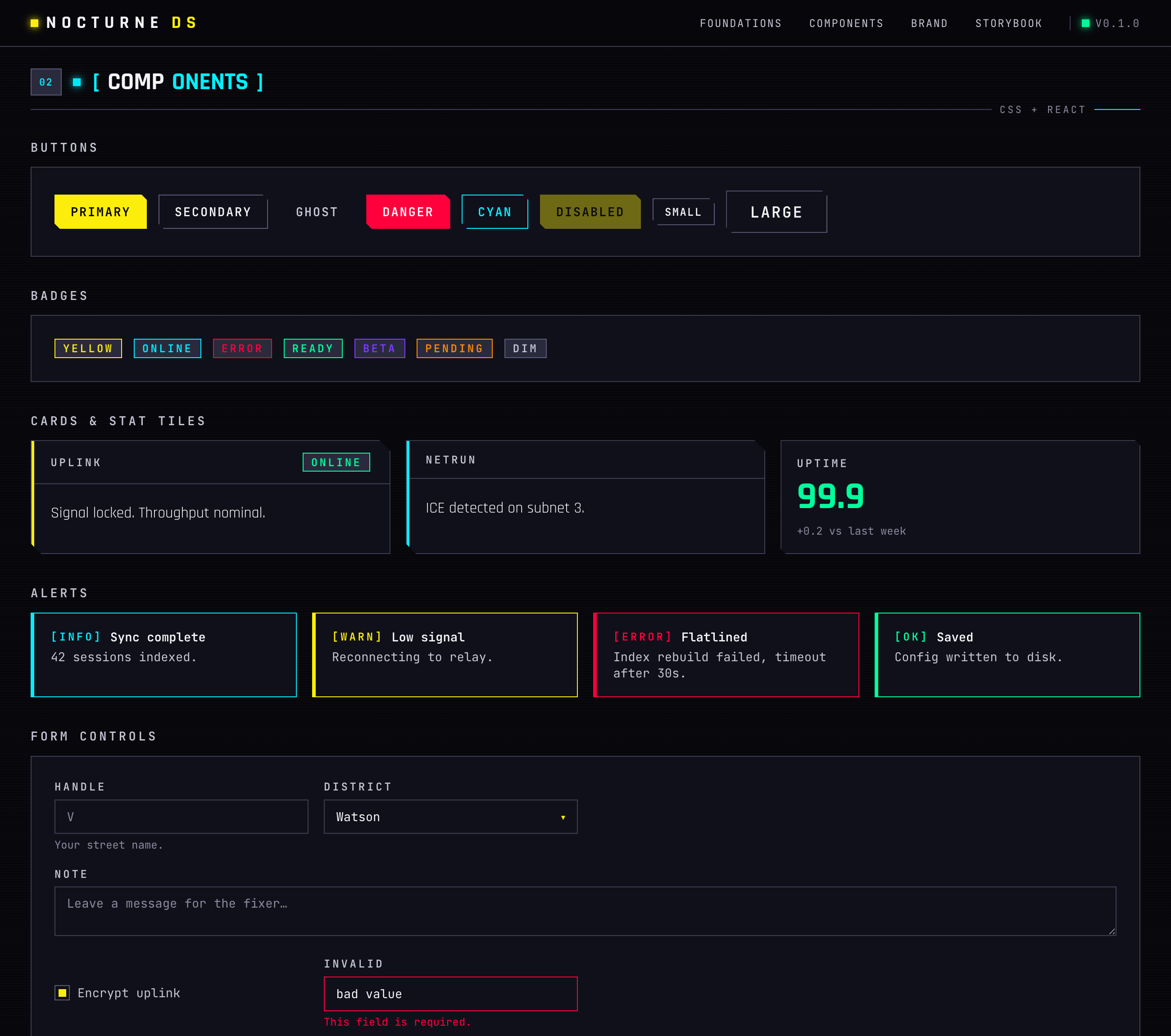
Forms get the same treatment: labeled fields, a select styled to match, a textarea, a checkbox, and a validation state that reads as clearly wrong without breaking the aesthetic.
Quick start
The framework-agnostic path needs nothing but a stylesheet link and some class names:
<link rel="stylesheet" href="https://unpkg.com/nocturne-css/dist/nocturne.css" />

<body class="noct-root noct-bg-wash noct-scanlines">
  <button class="noct-btn noct-btn--primary">Jack in</button>

  <div class="noct-card noct-card--cyan">
    <div class="noct-card__header"><h3 class="noct-card__title">Uplink</h3></div>
    <div class="noct-card__body">Signal locked.</div>
  </div>
</body>
For React, it’s the usual install plus a plain import:
pnpm add nocturne-react nocturne-cssimport "nocturne-css";
import { Button, Card, Badge } from "nocturne-react";
export default function App() {
return (
<Card title="Uplink" accent="cyan" right={<Badge tone="green">online</Badge>}>
<Button variant="primary">Jack in</Button>
</Card>
);
}And if all you want is the raw design language to apply yourself, the tokens work standalone:
@import "nocturne-tokens/css";

.thing {
  color: var(--noct-primary);
  border: 1px solid var(--noct-border);
}
import { color } from "nocturne-tokens";
color.primary; // "#fcee0a"Not just a palette
The repo ships full brand and design guidelines: logo usage, color, type, shape, motion, and explicit do/don’t examples, plus a dedicated voice and tone guide and an accessibility page with a real contrast table, not just a promise. Neon-on-black looks great and fails contrast checks constantly if you’re not careful; Nocturne treats that as a first-class constraint, not an afterthought.
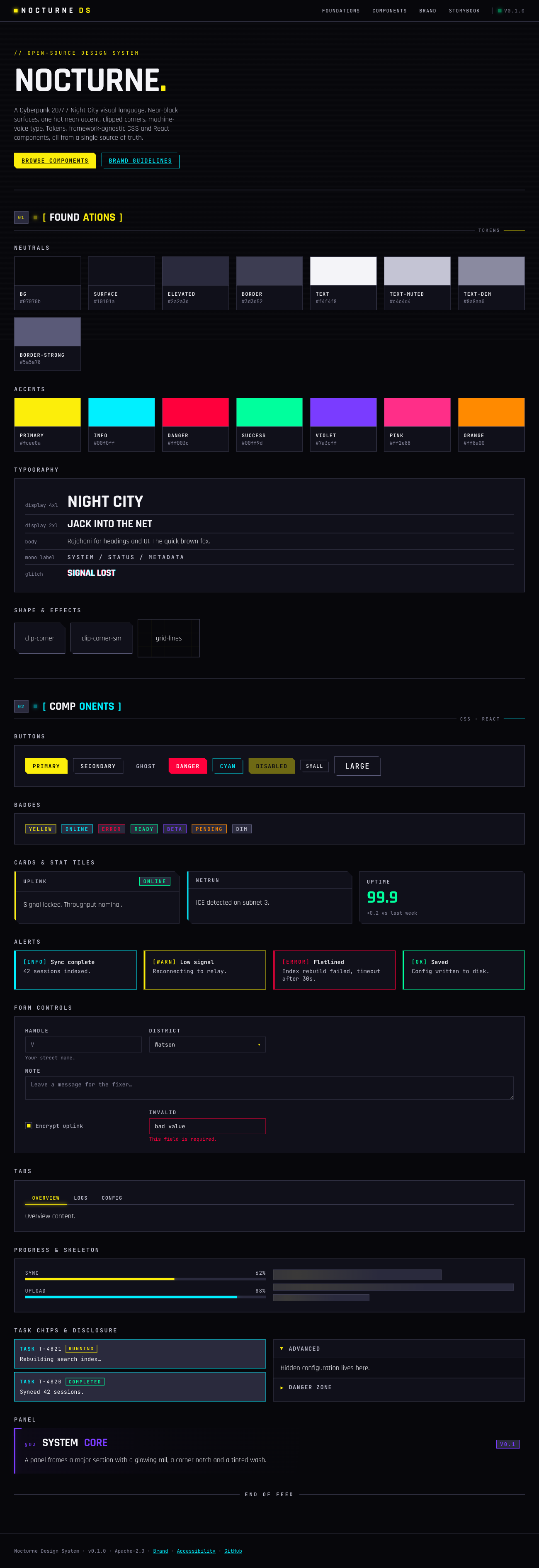
Under the hood: Rajdhani for display type, JetBrains Mono for the machine-voice text, hand-written BEM-ish CSS with zero runtime, React 18/19 with forwardRef and no styling dependencies, and a static HTML styleguide alongside a Storybook workbench. Apache-2.0 licensed.
Try it
Browse the live styleguide, read the source on GitHub, or grab the packages directly if you want that Night City look on your own build without reinventing it component by component.